Notes
Goal: Learn heading elements for creating hierarchical structure in web pages, like a book’s table of contents.
Key Concepts
- HTML Element Structure:
- Opening tag:
<h1> - Content: Text in between
- Closing tag:
</h1>(note the/) - Angle brackets
< >enclose tags
- Opening tag:
- Tag vs Element:
- Tags: Just the
<h1>and</h1>parts - Element: Entire thing (tags + content)
- Tags: Just the

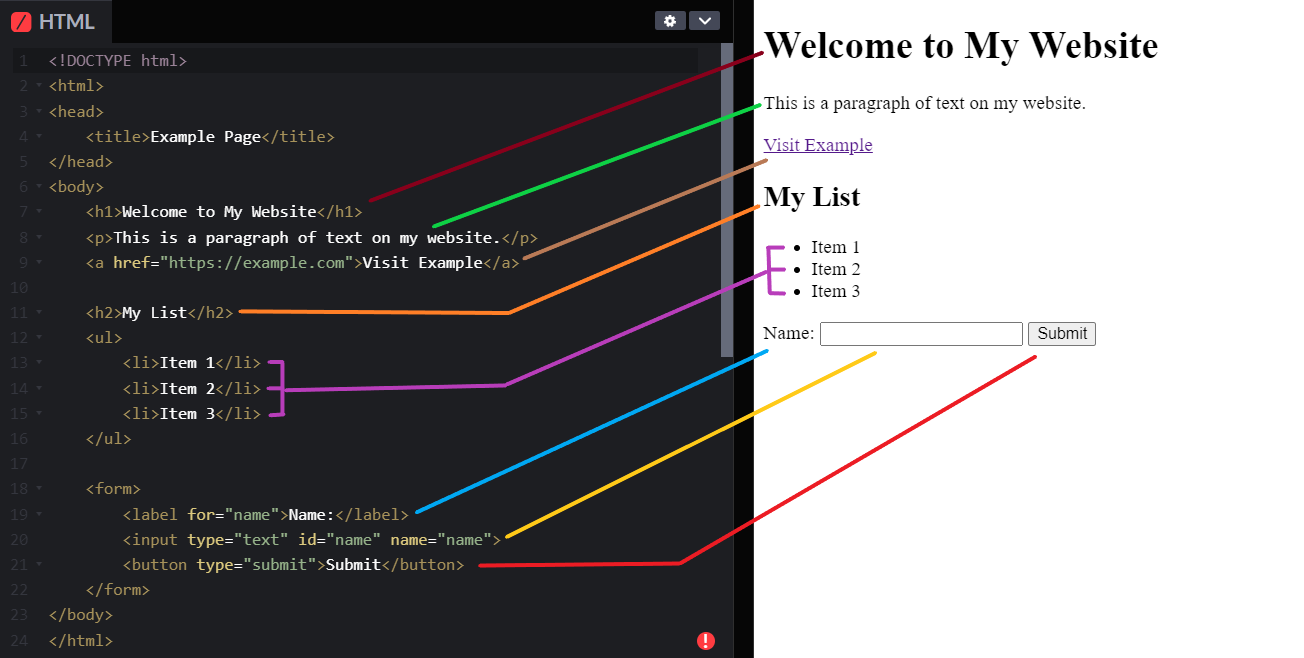
- Purpose: Create hierarchy (like book chapters/sections)
- h1: Top-level (biggest, most important)
- h2-h6: Sub-levels (decreasing size/importance)
- No h7+ (use other tags for lower levels)
Syntax & Code Snippets
- Basic:
  <h1>Hello World</h1>  <!-- Largest heading -->
  <h2>Chapter 1</h2>
  ...
<h6>Subsection</h6> <!-- Smallest -->- Mismatch error: Opening
<h1>must close with</h1>(not</h6>)
Exercise Summary
- Challenge: Turn plain text (e.g., “Book”, “Chapter 1”, “Section 1”) into hierarchical headings
- Solution example:
  <h1>Book</h1>
  <h2>Chapter 1</h2>
  <h2>Chapter 2</h2>
  <h3>Section 1</h3>
<h4>Diagram 1</h4>- Use VS Code Live Preview to see changes instantly
- Save often (auto-formats code—normal!)
Common Pitfalls / Gotchas
- Mismatched tags → Broken code
- Auto-indent loss on save (ignore, it’s fine)
- No visual issues if rules broken, but bad for structure/SEO/accessibility
Best Practices (Do’s & Don’ts)
- Only one h1 per page (like book title)
- Don’t skip levels (e.g., h1 → h3 without h2)
- Go sequentially: h1 → h2 → h3 etc.
- These are conventions (not errors if broken), but follow for professional code
Connections to Other Topics
- Builds on basic HTML intro
- Headings provide structure → Later styled with CSS
- Important for SEO and screen readers
- Next: Paragraph element (
<p>)
To Review / Resources
- MDN Docs: Search “HTML headings” for more examples
- Play with code—safe to experiment!
Summary: Heading elements (<h1> to <h6>) create visual and structural hierarchy. Use properly for clean, accessible sites: one h1, no skipping levels.