Notes
Section: How Websites Work (HTML + CSS + JavaScript)
Goal: Understand the roles of HTML, CSS, and JavaScript—why websites need these three files, and how the browser renders them. Plus intro to Chrome DevTools for live editing.
Key Concepts
- Website Files from Server: After DNS → IP → request, server sends HTML, CSS, JS files.
- House Analogy (Classic way to remember):
-
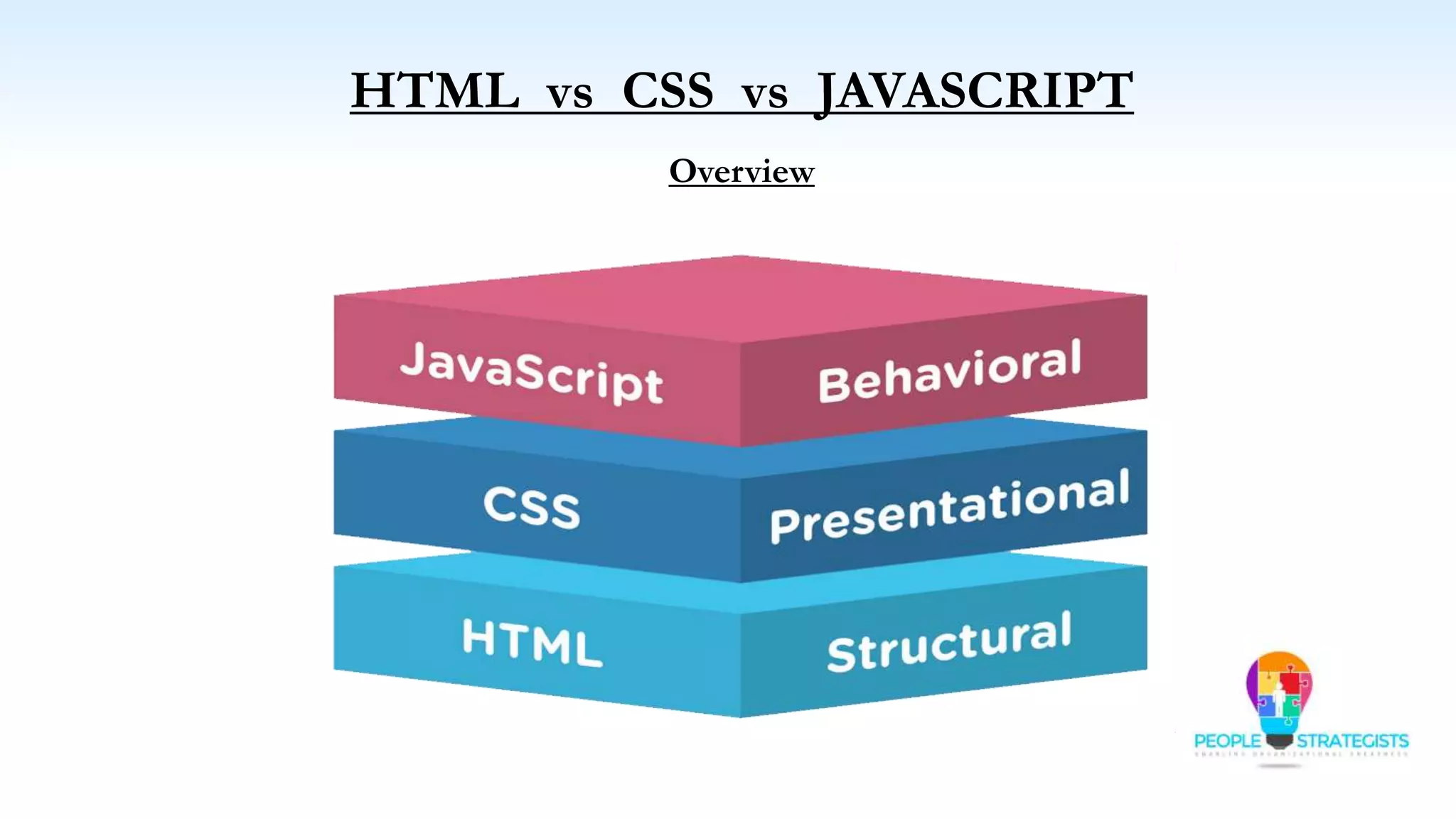
HTML: Structure/content (bricks, raw materials—text, images, buttons, links).

-
CSS: Styling/presentation (paint, decor—colors, fonts, shapes, layouts).
-

- JavaScript: Behavior/functionality (electricity, appliances—interactivity like searches, forms).

- Browser Rendering Order (Google homepage example):
- HTML → Raw content (logo, textbox, buttons).
- CSS → Applies styles (colors, rounding, positioning).
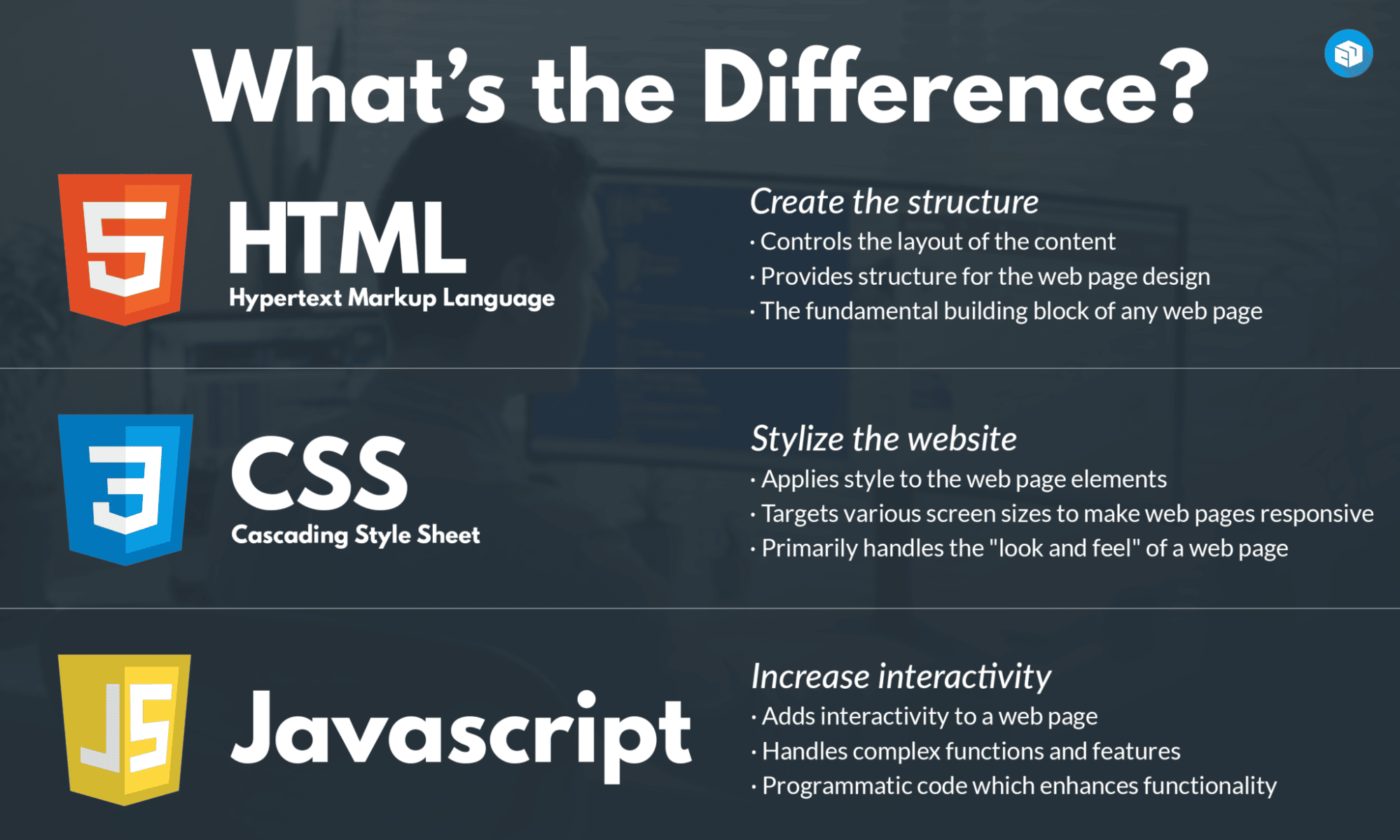
- JS → Adds interactivity (typing search, results).
Diagram Overview
Hands-On: Chrome DevTools
- Right-click element → Inspect → Edit HTML live (e.g., change button text to “Angela Search”).
- Changes are local only (refresh reloads original files from server).
- Great for pranks/experimenting!

Common Pitfalls / Gotchas
- Edits in DevTools don’t save—refresh resets.
- Use Chrome for best DevTools (as recommended in course).
Connections to Other Topics
- Builds on Internet/servers lesson.
- Core of entire course: We’ll code HTML → CSS → JS.
- DevTools: Used heavily later for debugging.
To Review / Try Now
- Open google.com → Inspect → Edit something fun.
- Search “I’m Feeling Lucky” → Try “Google in 1998”.
Summary: Websites = HTML (content) + CSS (style) + JS (behavior). Browser combines them layer by layer. DevTools lets you peek/edit live—powerful for learning!